The Secret to How to Look Polished on Zoom Calls
You clicked “Join” and instantly regretted your camera angle, lighting, and that suspicious pile of laundry. We’ve all been there. The good news? Looking polished on Zoom takes less time than brewing your coffee. With a few tiny tweaks, you’ll go from “is their camera…ok?” to “who is this well-lit professional and where did they come from?”
Start With the Frame: Camera Angle and Composition
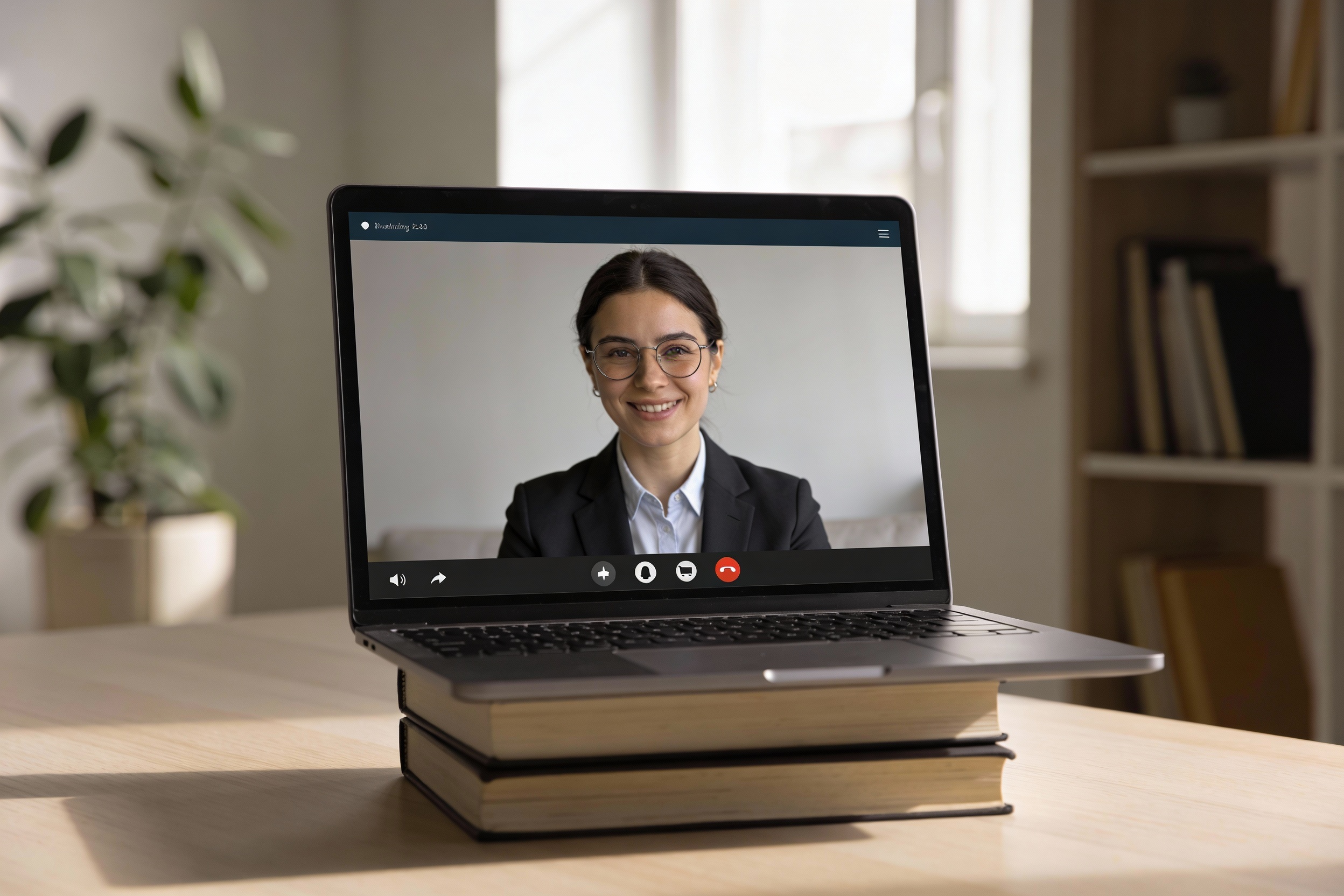
Your face isn’t the problem—your camera placement is. Aim the lens at eye level so you don’t get the “nostril cam” effect. Stack a few books under your laptop if needed. You’ll instantly look more engaged and confident.
Keep your head and shoulders visible, with a bit of space above your head. Think passport photo, but with personality. And scoot back a bit—nobody needs an extreme close-up of your pores at 9 a.m.
Quick framing checklist
- Lens at eye level (or slightly above)
- Head and shoulders in frame
- A few inches of space above your head
- Centered in the shot—not drifting to a corner
Light Like You Mean It
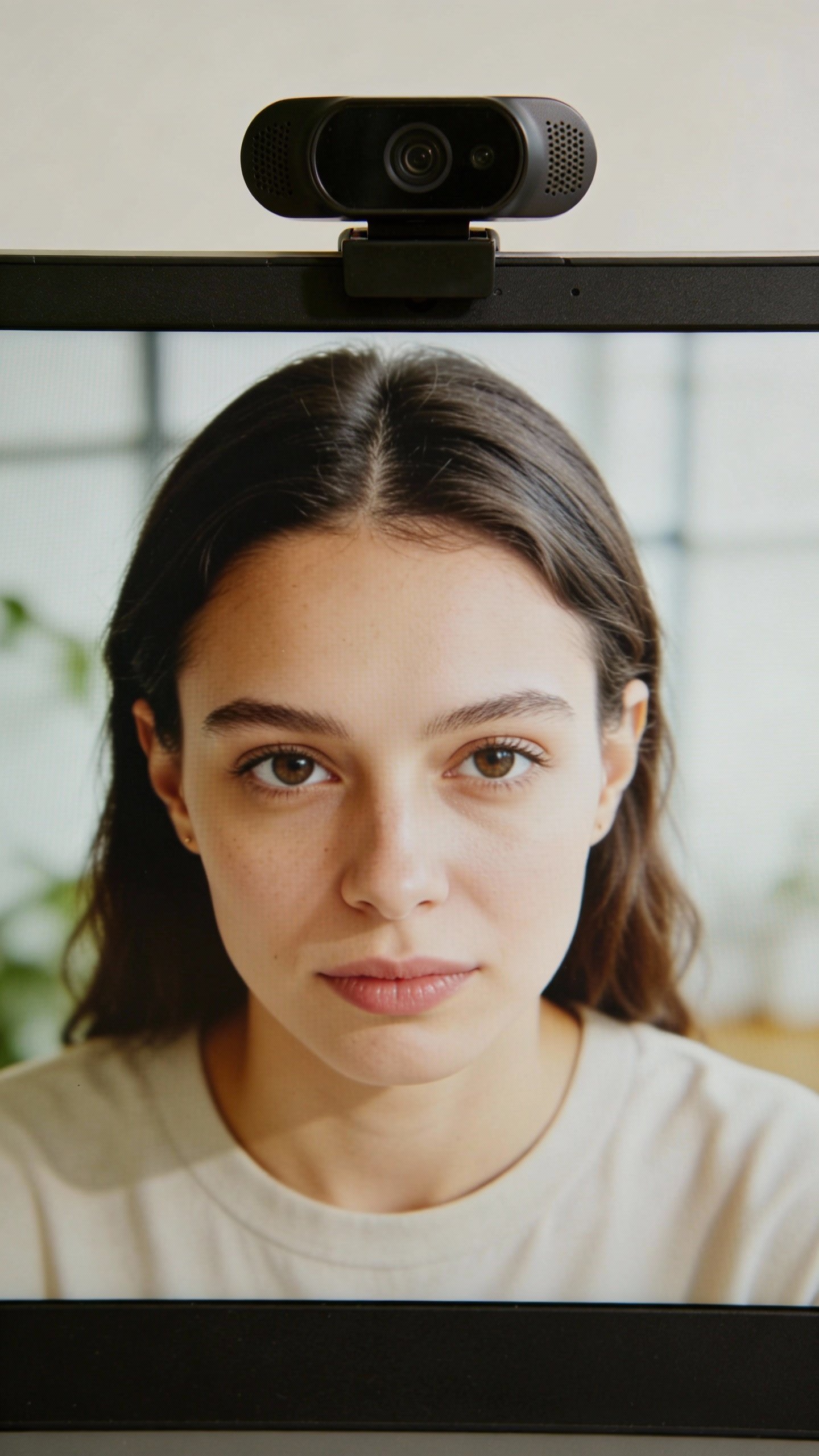
Great lighting will do 80% of the work. Sit facing a window if you can—natural light flatters almost everyone. If your back is to a window, you’ll look like a silhouette from a witness protection program. Don’t do that.
No window? No problem. Use a simple desk lamp slightly above eye level and angled toward your face. For bonus points, add a second light off to the side to soften shadows. FYI, ring lights work, but keep them dim enough that you don’t look like you’re filming a skincare commercial.
Lighting tips that actually matter
- Face your light source; never backlight yourself
- Use warm-to-neutral color temperature (around 3000–4500K)
- Light higher than your eyes to avoid harsh shadows
- Avoid mixed lighting (a cool bulb + warm window equals chaos)
Backgrounds: Keep It Chill, Not Clinical
Your background tells a story—make it a neat one. A clean shelf, a plant, a framed print: perfect. A pile of laundry and a pizza box? Not the vibe. Remove distractions, and aim for something tidy but not sterile.
Virtual backgrounds can work, but go easy. If your hair keeps glitching into a Hawaiian beach scene, you’ll distract everyone. IMO, a blurred real background looks more natural and professional than a fake boardroom.
Fix it fast
- Move clutter out of the frame—yes, just off-camera is fine
- Use Zoom’s “Adjust for low light” and “Touch up my appearance” sparingly
- Set your background once and save it as your default
Dress the Part (From the Waist Up, At Minimum)

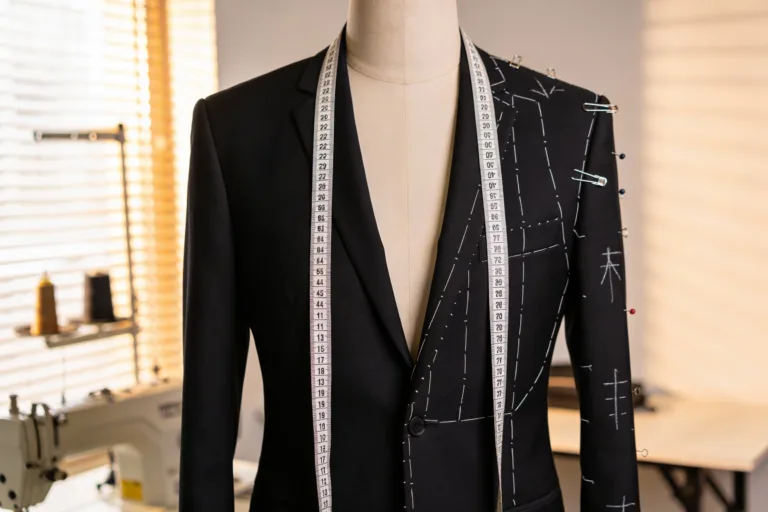
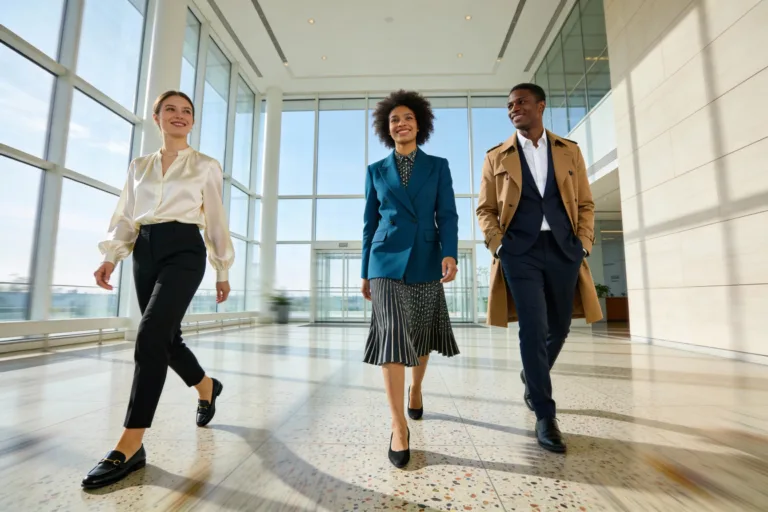
You don’t need a blazer—unless you want one. But you do need solid colors or subtle patterns. Busy prints and tiny stripes flicker on camera like a 90s TV. Also, avoid colors too close to your background so you don’t blend in like a chameleon.
Keep it simple: a neat top, minimal jewelry, and clean collar lines. If you wear makeup, focus on even skin tone, brows, and lips. If you don’t, no pressure—hydrated skin and a quick lip balm look great on HD.
Colors that flatter on camera
- Blues, teals, and jewel tones
- Earth tones with contrast from your background
- Avoid bright white and neon—blowouts and glare city
Audio: The Secret Sauce of Looking Polished
Want to seem more professional instantly? Sound crisp. People will forgive mediocre video, but bad audio feels like punishment. Use a simple USB mic or a decent headset. Even wired earbuds beat your laptop mic.
Control your environment: shut windows, turn off fans, and nudge roommates to keep it down. In Zoom, turn on “Suppress background noise” and test your levels before calls. Pro tip: mute notifications—no one needs to hear your Slack symphony.
Fast audio upgrades
- External mic or earbuds > built-in mic
- Soft surfaces (rug, curtain) reduce echo
- Use Zoom’s audio test before important meetings
Posture, Eye Contact, and Your On-Camera Presence
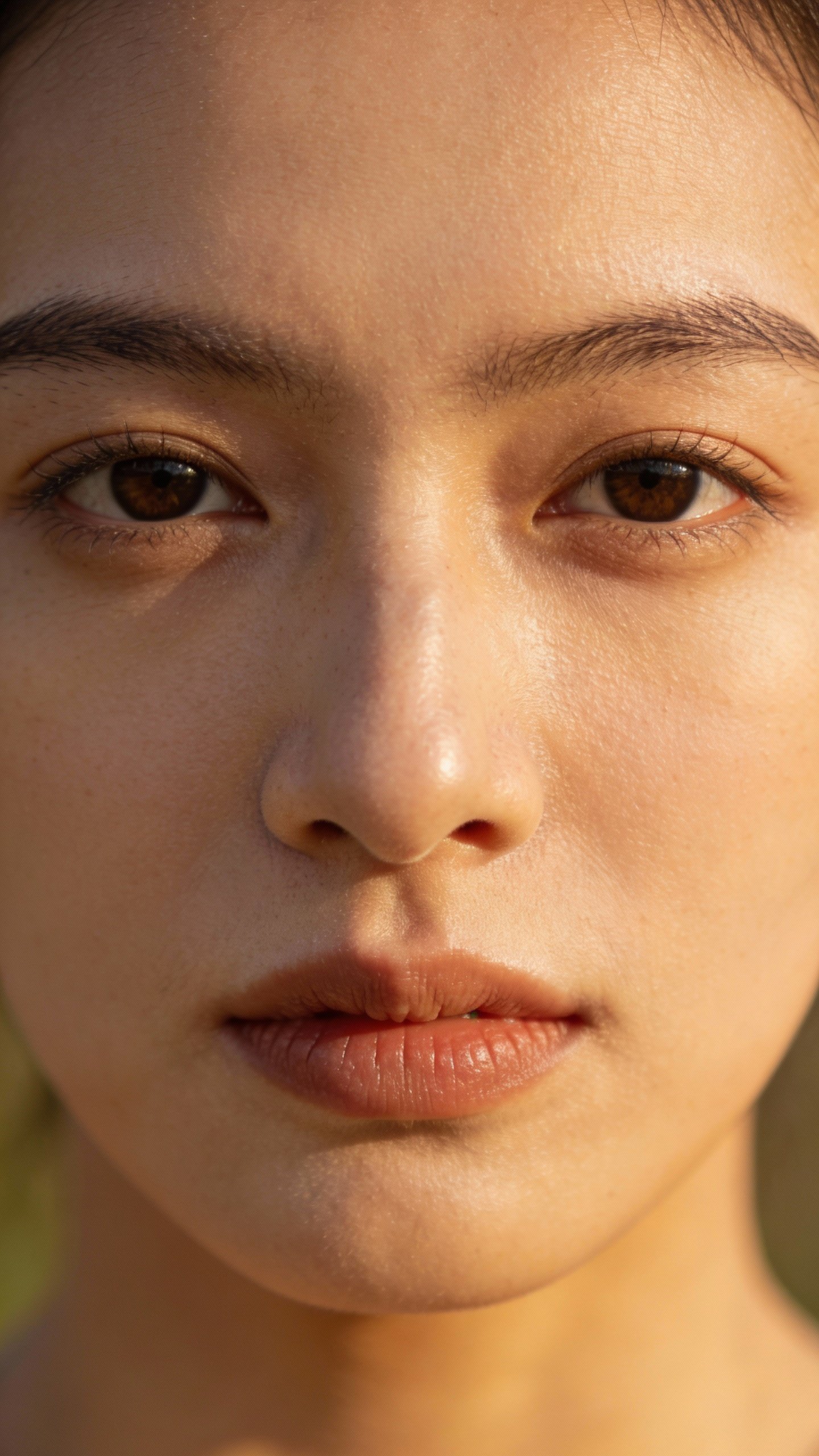
You don’t need to sit like a statue, but posture changes the whole vibe. Sit tall, relax your shoulders, and plant your feet. Look into the camera when you talk for better connection, even if it feels weird. Glancing at your notes is fine—just don’t stare at your own video the entire time. We all do it. Try hiding self-view to break the habit.
Use natural gestures. Nod, smile, and react like you would in person. Want to look instantly more engaged? Lean in slightly when someone else speaks. It signals attention without saying a word.
Tech Settings That Actually Matter
Let’s keep it simple. You don’t need to become a broadcast engineer, but a few Zoom settings make a big difference.
In Zoom (or similar apps), check these:
- Enable HD video if your internet can handle it
- Adjust for low light: Auto usually works, Manual if you look washed out
- Touch up my appearance: 10–20% so you still look human
- Background blur: gentle, not maximum blur-a-thon
- Keyboard shortcuts: Mute/unmute quickly (spacebar toggle is clutch)
Also, close extra apps. Your computer fans shouldn’t sound like a jet engine on takeoff. And, FYI, test your upload speed occasionally—stable internet beats fancy gear every time.
Prep Like a Pro (In Two Minutes)
Don’t overthink it. Do a quick pre-flight check and you’ll avoid 90% of mishaps.
- Wipe the camera lens (fingerprints are sneaky)
- Open the app, check framing and light
- Do a 10-second audio test
- Close noisy tabs and silence notifications
- Water nearby; phone face down
If it’s a big meeting, hop on three minutes early. That buffer saves you from tech gremlins and also signals you’ve got it together. IMO, nothing looks more polished than “ready and calm.”
FAQ
Do I really need special gear to look good on Zoom?
Nope. You can look great with a laptop, a window, and a stack of books. A dedicated mic or small light helps, but technique beats gear. Start with angle, light, and background, then upgrade if you want.
What if my space is tiny or messy?
Keep the mess out of frame and use a simple blurred background. A plant, a lamp, or a tidy shelf goes a long way. You don’t need a Pinterest office—just a clean slice of one corner.
How do I stop looking shiny or washed out?
Use softer, indirect light and avoid bright overhead bulbs. Blotting paper or a quick powder helps with shine. Adjust Zoom’s lighting settings if you still look overexposed.
Is it okay to use a virtual background?
Yes, if it doesn’t flicker around your hair or hands. High-contrast, simple images work best. If your computer struggles, go with a real background and light it well, or just use background blur.
What color clothes look best on camera?
Solid, mid-tone colors usually win. Blues, greens, and jewel tones flatter most people. Avoid bright white, super dark black, and tiny patterns that shimmer.
How can I look engaged without feeling fake?
Listen actively: nod, smile a little, and keep your eyes near the camera. React naturally and avoid multitasking. People notice presence, and it reads as polish.
Conclusion
Looking polished on Zoom isn’t magic—it’s a handful of smart choices. Set your camera at eye level, face some soft light, clean the frame, and make your audio crisp. Dress simply, show some energy, and prep for two minutes. Do that, and you won’t just look good on Zoom—you’ll look like you run the room.